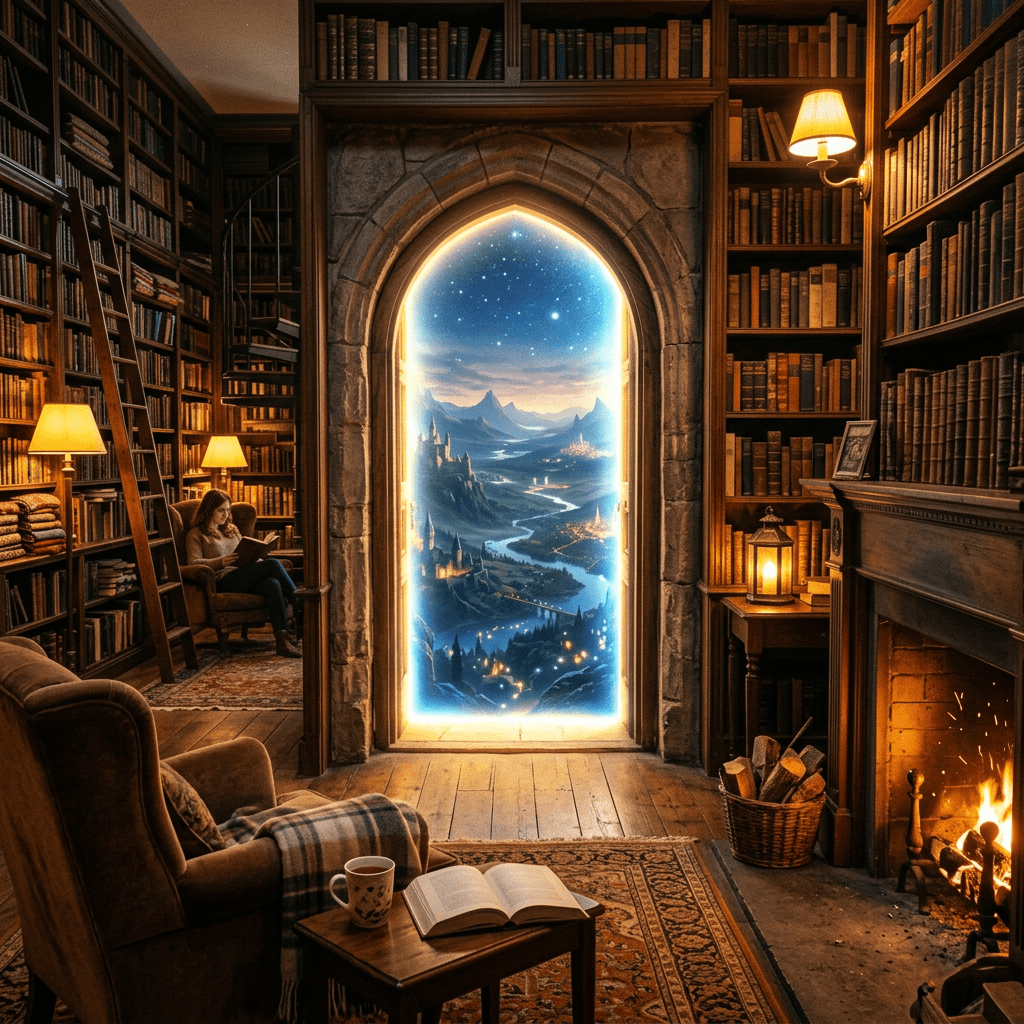
Occursus has a feature that lets you build your own route.
This idea was in my head from very early in development.
I kept thinking — what if reading wasn’t just about logging books, but about feeling like you’re traveling somewhere while you read?
One inspiration was Roblox. What fascinated me wasn’t just playing in a world someone else built, but the ability to create your own places and spaces. That joy of creating felt genuinely exciting.
I thought reading could work the same way.
Someone might create a round-the-world route. Someone else might trace the castles of Japan, or follow the footsteps of a favorite author, or build a route around mythology and history.
I wanted each person to be able to create their own “reading journey” based on their own interests and curiosity. That was the original idea.
That said, I didn’t include this feature at the start.
Even building with AI, I took it step by step. I focused first on getting the core of the app right — the reading log, the bookshelf, the basics.
So the custom route feature came much later.
When I finally felt ready to build it, it turned out to be harder than expected.
My first design didn’t work well. Neither did the second. In the end, I rethought the structure about three times — reconsidering how the screen looked, how settings worked, how routes were created — gradually finding my way to what it is now.
And what came out of that is the “create your own route” feature as it exists today.
It’s not finished yet.
There are things I still want to improve, and features I want to add. Real-world use will bring more changes.
Even so, I’m genuinely happy to have turned something that lived in my head for so long into something real.
Occursus aims to be a small library.
And this feature might be a small doorway inside that library — where you can build your own story, your own journey.



Leave a comment